Snatch Guard detects the moment someone grabs your phone and shields your banking, messages, photos, and notes — before the thief takes three steps. Face ID required to unlock.
They target phones that are already unlocked — open on a café table, in your hand on the street, glowing on a tube seat. The moment it's in their hand, every app you were using is theirs too. Banking. Messaging. Photos. Notes.
Apple's setting only delays password and settings changes. It does nothing to the apps that are already open.
Only kicks in when an app is launched. If the app was already open when snatched, there's no protection.
The built-in accelerometer senses the sudden jerk when someone snatches your phone — calibrated between 2.0G and 6.0G.
System-level shields appear over your selected apps within milliseconds. No animation. No delay. No way around.
Face ID or device passcode is required to remove shields. Even if the phone is unlocked, the apps stay shut.
Protection stays active even while you're using other apps. You don't open Snatch Guard — it's already there.
Shields stay active even if the app is force-closed. With Screen Time passcode enabled, Snatch Guard can't be deleted or bypassed.
Snatch Guard is always in one of three states — and it tells you exactly which.
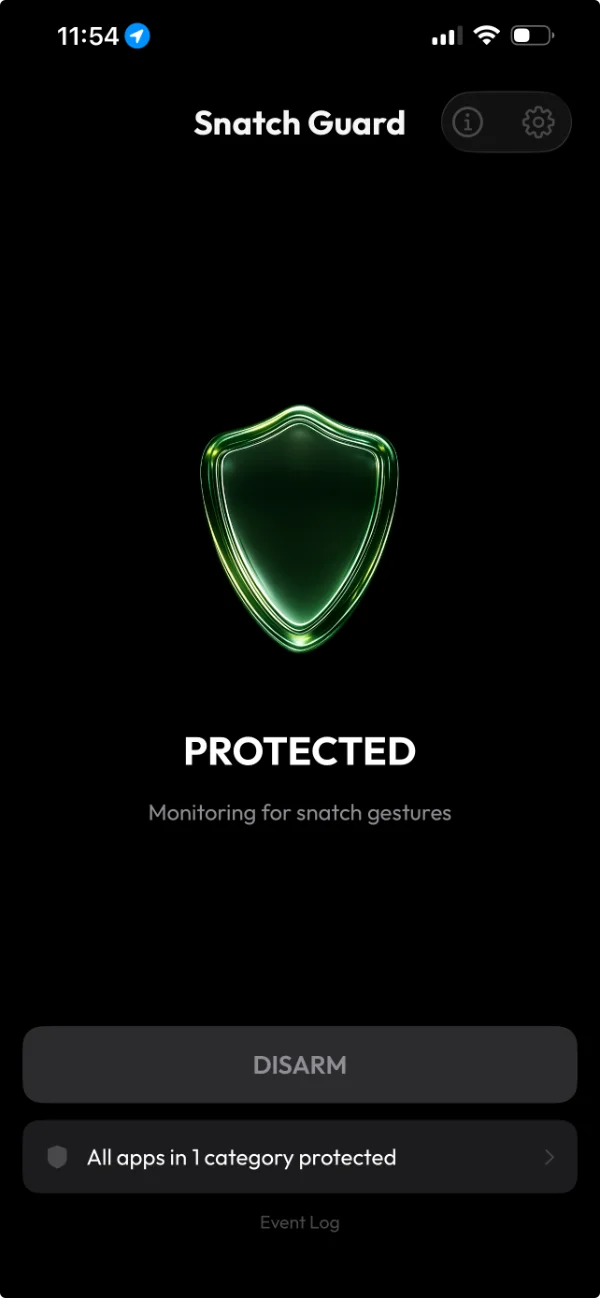
Tap once. The shield is on. Snatch Guard listens in the background while you carry on with your life.
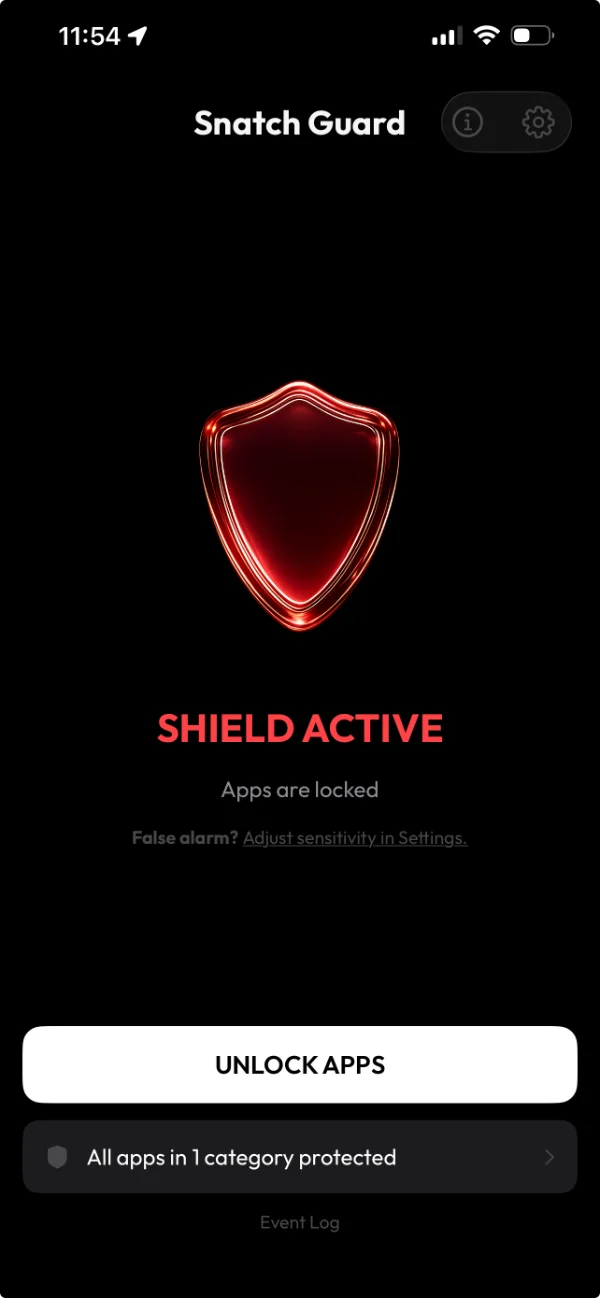
A snatch was detected. Every protected app is shut behind a system-level shield. Face ID to remove.
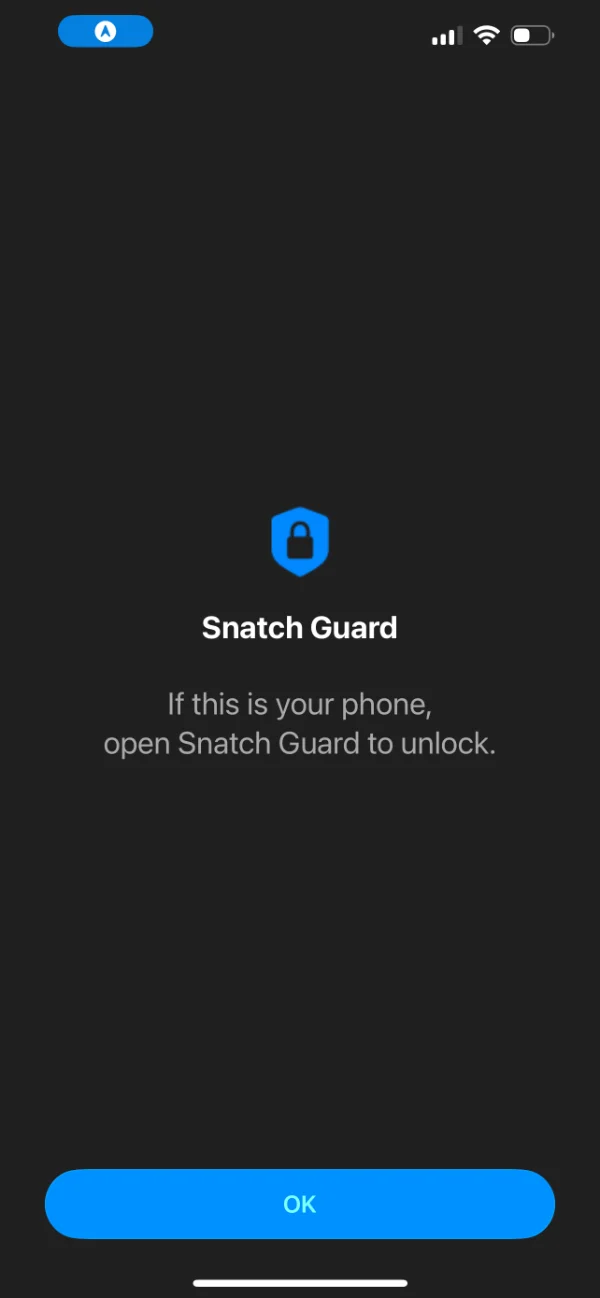
The OS shield overlays whichever app they try to open. There's nothing to swipe past.
Stolen Device Protection only delays password and settings changes. Your banking app is wide open.
Accelerometer detects the jerk, shields apply, Face ID required to unlock.
If the app was already open when snatched, the auth gate has already passed. No re-auth happens.
Apps that were already open get shielded again. The thief can't keep reading what's on screen.
Without a Screen Time passcode, any app is removed in two taps.
With Screen Time passcode set, app deletion is blocked. Shield stays active even if force-closed.
Thief mutes the phone and keeps walking. Your data is still wide open.
No noise. No drama. The apps with your money and messages just stop opening.
Extra device on a keychain. Works, but you have to remember to carry and charge it.
Free. Already in your pocket. No dongle, no charger, no extra thing to lose.
Too sensitive for your daily routine? Adjust the threshold anywhere from 2.0G (most reactive) to 6.0G (only on a hard yank) in Settings.
No analytics. No tracking. No telemetry. We don't have a server because we don't need one.
The app never connects to the internet. Not for updates, not for "anonymous diagnostics," not ever.
Used only to keep background protection active. Never transmitted, never stored off-device.
Detection, shielding, and authentication run entirely on your iPhone. iCloud syncs nothing about you.
Banking, messaging, email, photos, notes — pick the ones that matter.
2.0G to 6.0G threshold. Find the level that ignores your jog but catches a yank.
Stays alive via location keep-alive — without any location ever being sent.
See every trigger with timestamp and on-device location. Verify what happened.
Standard iOS authentication. Nothing custom. Nothing weaker.
Six steps. Permissions explained as you go. No dark patterns.
No ads. No subscriptions. No in-app purchases. Built because it should exist.
Background protection uses iOS's low-power location keep-alive — the same mechanism navigation apps use when they're not visible. Real-world impact is small. Snatch Guard never actually reads or stores your location.
Even if the thief powers off the phone, the shields remain active when it's turned back on. They can't be removed without your Face ID or passcode.
The shields are applied through Apple's Screen Time API at the system level. They stay in place even if Snatch Guard isn't running. The thief can't remove them without your Face ID or passcode.
Not yet. Snatch Guard relies on Apple's Screen Time API for the system-level shields. Android has different primitives that would need a separate build.
Send it via the feedback form. It goes directly to the developer.
Install Snatch Guard. Pick which apps to protect. Forget it's there — until you need it.